🚀快速开始
快速体验
只需 1 分钟,即可搭建你的第一个 MicroServer WebAPI 服务:
1. 安装 MicroServer 库
-
通过 NuGet 包管理器 安装 MicroServer:
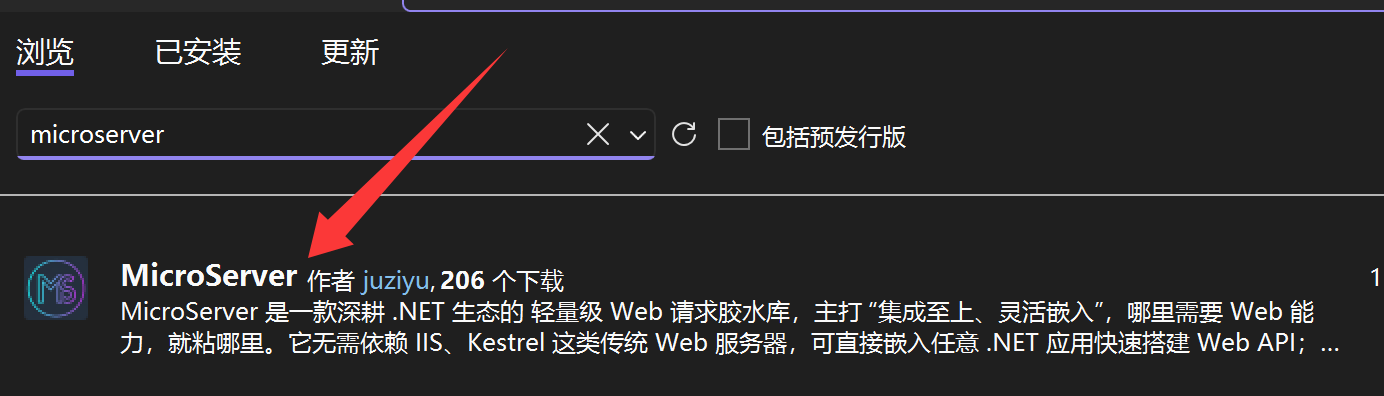
-
通过命令行安装
# .NET CLI
dotnet add package MicroServer
# PMC
NuGet\Install-Package MicroServer
2. C# 快速示例
using System.Net;
using MicroServer;

namespace FastTestNamespace
{
    public static class FastTest
    {
        private static readonly WebAPIServer MyAPI = new WebAPIServer();

        public static void Main()
        {
            MyAPI.AddRoute("/", Hello); // 映射根路由
            MyAPI.StartServer(); // 启动服务(默认端口 8090)
            Console.WriteLine("MicroServer 启动成功!访问地址:http://127.0.0.1:8090");
            Console.ReadKey();
        }

        // 异步请求处理方法
        private static async Task Hello(HttpListenerRequest request, HttpListenerResponse response)
        {
            await response.WriteAsync("""{"code":1,"msg":"Hello WebAPI"}""");
        }
    }
}
3. VB.NET 快速示例
Imports System.Net
Imports MicroServer

Module FastTest
    Private ReadOnly MyAPI As New WebAPIServer
    Sub Main()
        MyAPI.AddRoute("/", AddressOf hello) '添加路由映射
        MyAPI.StartServer() '启动 WebAPI 服务,默认端口8090 传入参数可修改端口
        Console.WriteLine("访问地址:http://127.0.0.1:8090")
        Console.ReadKey()
    End Sub

    Private Async Function hello(request As HttpListenerRequest, response As HttpListenerResponse) As Task
        Await response.WriteAsync(<t>{"code":1,"msg":"Hello WebAPI"}</t>.Value)
    End Function
End Module
4. 运行测试
启动项目后,访问 http://127.0.0.1:8090,即可收到响应结果:
{"code":1,"msg":"Hello WebAPI"}